Playback
Hardware acceleration and its checks, how many transcodes run at once, the encoder, what's sent away from home, and the transcode cache.
Written for highsea 0.2.0-beta.2.
Settings › Playback decides how hard the server works for the people watching. highsea plays a film as it is when the device can, and converts only what the device can't play. These settings shape that conversion. The Owner and Admins can change them.
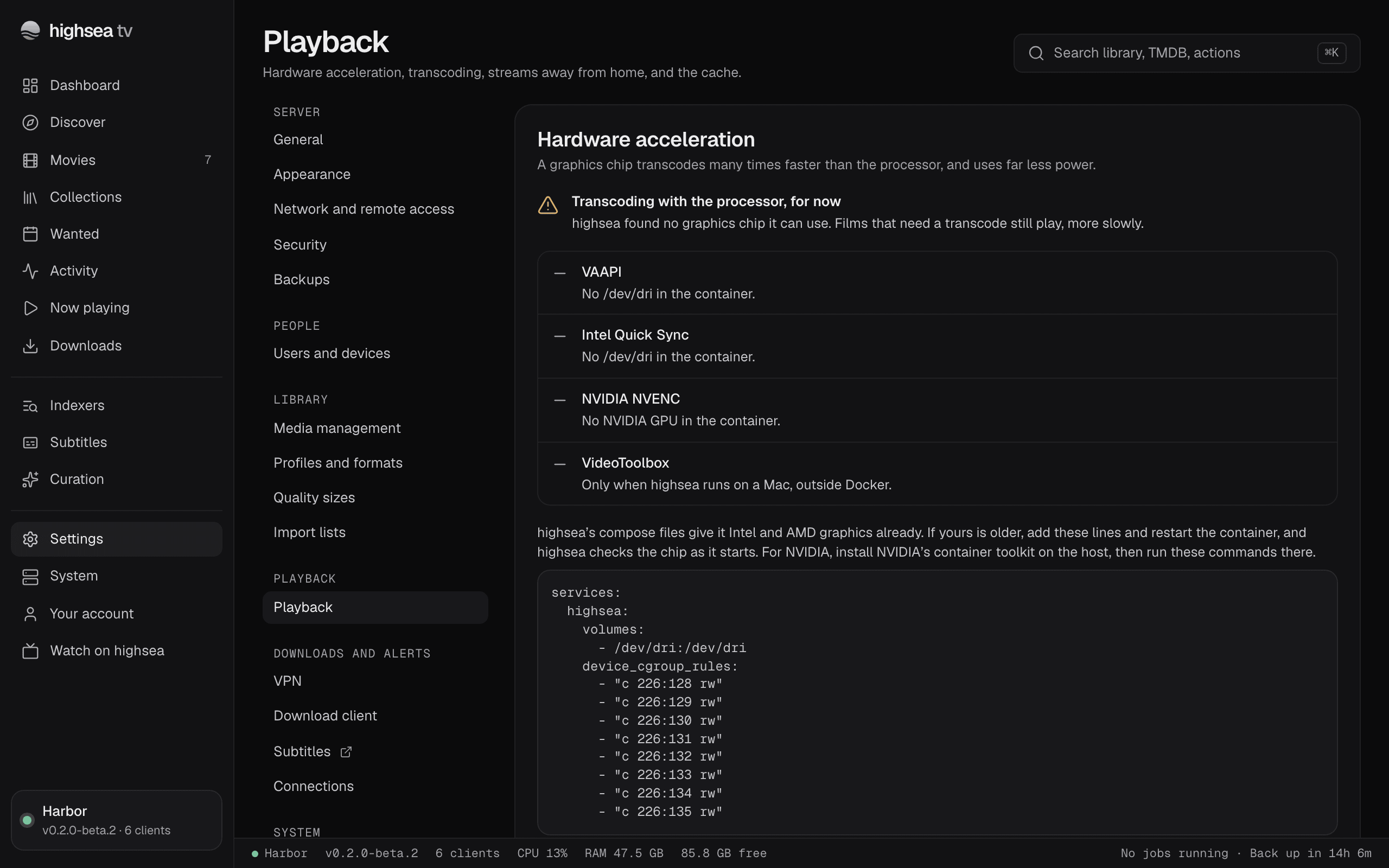
Changes wait in a bar at the bottom of the page until you choose Save or Discard. They apply to streams that start after you save.
Hardware acceleration
A graphics chip transcodes many times faster than the processor, and uses far less power. This group says what highsea transcodes with now, lists the graphics it looked for, and shows each one's check. highsea checks the graphics it finds by itself when it starts, so you only come here to see the result or change it. Hardware acceleration says how to give highsea's container your graphics.
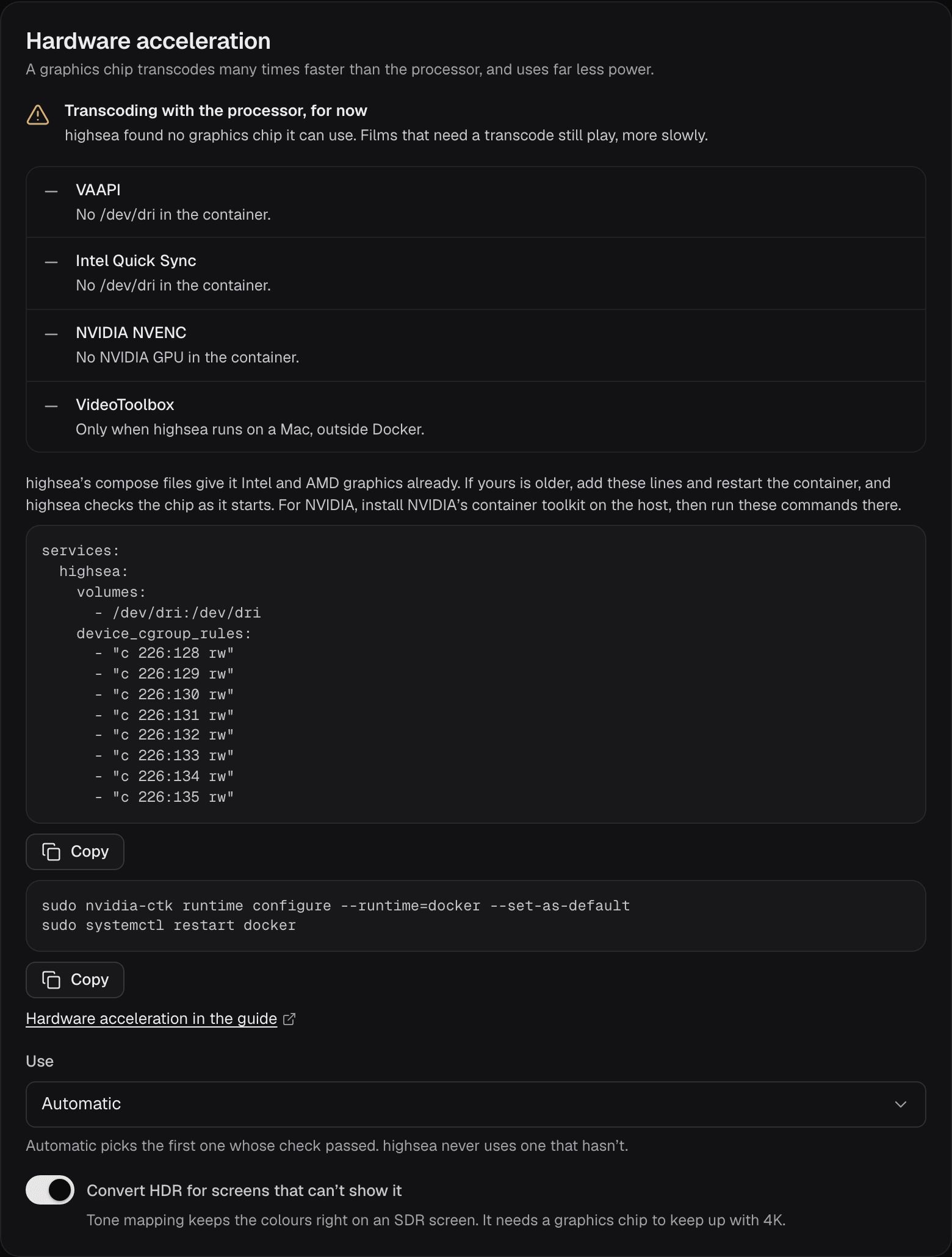
The line at the top says what transcodes use:
- Transcoding with VAAPI (or another path), with the graphics' name: its check passed, so highsea uses it.
- Transcoding with the processor, for now: highsea found graphics but its check hasn't passed yet, or found none it can use.
- Transcoding with the processor: Use is set to The processor only.
Each of the four paths, VAAPI, Intel Quick Sync, NVIDIA NVENC and VideoToolbox, shows one of these:
- Not here, with the reason, such as No /dev/dri in the container. When nothing is found, the group shows the compose lines for Intel and AMD, which highsea's own compose files already have, and the commands for NVIDIA on the host, each with Copy.
- Found, not checked: the graphics' name and device, and Not checked yet. highsea checks it by itself the next time it starts, or choose Check to check it now.
- Checking: highsea is transcoding a short HDR clip on it. One check runs at a time.
- Passed: how many frames a second it made, when, and what it does, such as Decodes 10-bit HEVC and encodes H.264 in low-power mode. Tone maps HDR on the graphics chip. The one in use has an In use badge.
- Failed: when, and why. Hardware acceleration lists what each reason means.
highsea never uses graphics whose check hasn't passed. If a film's transcode fails on the graphics partway, highsea finishes that film on the processor, marks the check failed and stops using it until you check it again. Now playing says so for that stream. A check is also forgotten when the graphics or their driver change, and highsea checks them again by itself the next time it starts.
- Use: Automatic, the default, picks the first path whose check passed, in the order they're listed. You can choose one path instead, which is used once its check passes, or The processor only.
- Convert HDR for screens that can't show it: on by default. Tone mapping converts HDR films for SDR screens so the colours look right, rather than washed out. Intel's graphics convert HDR10 themselves, NVIDIA's and AMD's convert every kind, and what the graphics can't convert the processor does, more slowly. 4K HDR needs a graphics chip to keep up.
Transcoding
- Transcodes at once: how many films highsea makes again at the same time, from 1 to 8. The default is 3. A stream that only changes the sound or the container doesn't count. Past the limit, a new transcode waits for one to finish, and Now playing shows it as Waiting. If none finishes within a minute, the player says the server is already making as many films as it's set to.
- Encoder: Faster starts sooner and uses less of the machine, with pictures a little softer. Balanced, the default, is right for most servers. Sharper gives sharper pictures at the same bitrate and uses more of the machine.
Away from home
The most each stream is sent caps every stream that leaves your network, from 4 Mbps (720p) to 40 Mbps (4K), or No limit. The default is 8 Mbps. Set it below your upload speed, which everyone watching at once shares. Streams on your own network are never limited, and people can choose less in their apps.
Cache
While a film is transcoded, highsea keeps the pieces it has made, so seeking back is instant. The group shows how much they take against the limit.
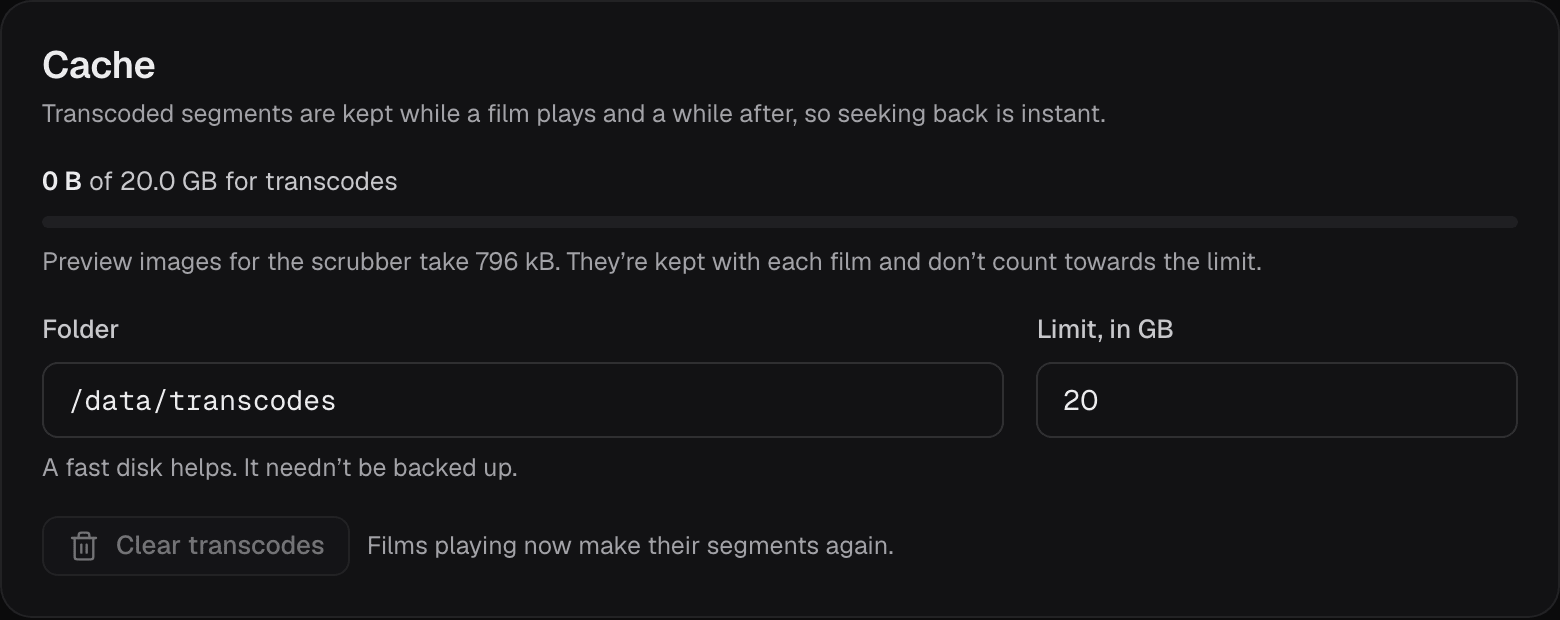
- Folder: where the pieces go,
/config/transcodesby default. A fast disk helps, and it needn't be backed up. It must be a full path highsea can write, outside your library and downloads, because highsea removes what it makes there. Streams playing when you change it keep the old folder until they end. - Limit, in GB: from 2 to 2000, 20 by default. Over it, highsea removes the oldest pieces first, from films nobody is watching, and the group says Over its limit. Raise the limit if it stays over while people watch.
- Clear transcodes empties the cache. Films playing now make their pieces again.
The scrubber's preview images are counted apart. They're kept with each film and don't count towards the limit.