Categories and the watch folder
Categories set where torrents you add by hand save to, and the watch folder adds any .torrent file dropped into it.
Written for highsea 0.1.0.
Every torrent goes in a category, which sets the folder it saves to: the library's grabs in movies, and torrents you add yourself, on the Downloads page or through the watch folder, in the category you choose. Both sections are at the bottom of Settings › Download client. Categories save as soon as you change them; the watch folder waits for Save with the rest of the page.
Categories
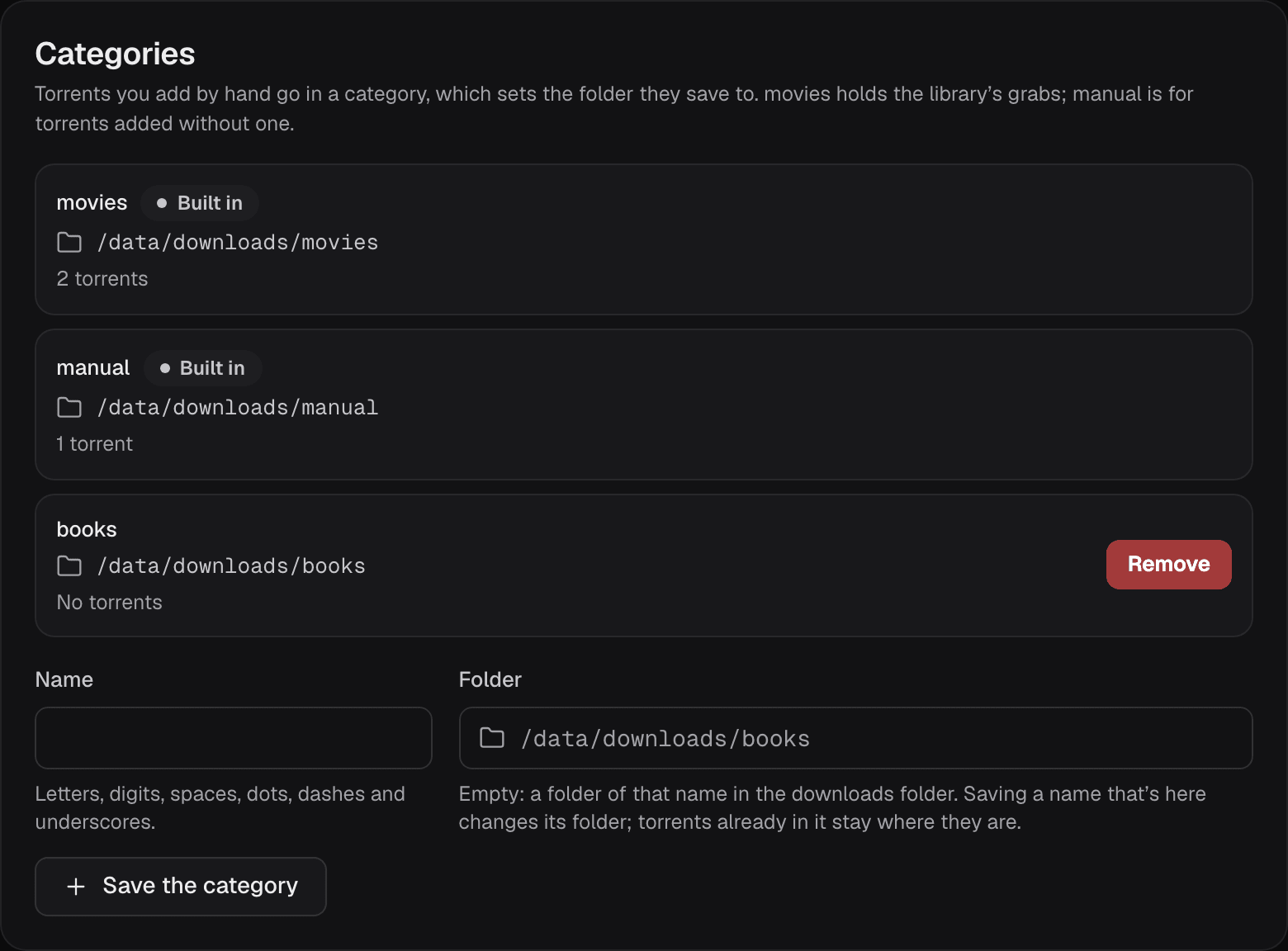
Torrents you add by hand go in a category, which sets the folder they save to. Two are built in:
- movies holds the library's grabs.
- manual is for torrents added without a category.
To add a category, give it a Name (letters, digits, spaces, dots, dashes and underscores) and, if you like, a Folder, then choose Save the category. With the folder empty, it's a folder of that name in the downloads folder. Saving a name that's already there changes its folder; torrents already in it stay where they are.
Each category shows how many torrents use it. Remove deletes nothing on disk, but a category with torrents can't be removed until they're removed from Downloads.
Watch folder
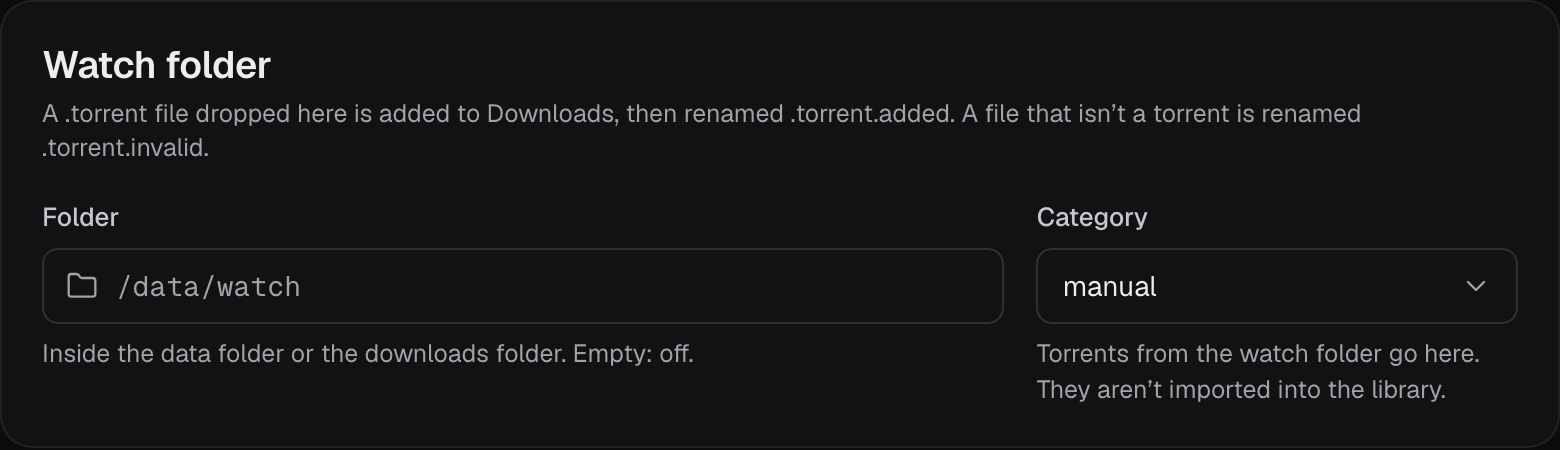
Drop a .torrent file into the watch folder and highsea adds it to Downloads, then renames the file .torrent.added. A file that isn't a torrent is renamed .torrent.invalid.
| Setting | What it does | Default |
|---|---|---|
| Folder | The folder to watch, inside the data folder or the downloads folder. Empty, off. | Empty (off) |
| Category | The category its torrents go in. They aren't imported into the library. | manual |