Logs and events
The server's log and how to download it, crash reports, and the live events every connected app refreshes from.
Written for highsea 0.1.0.
Logs
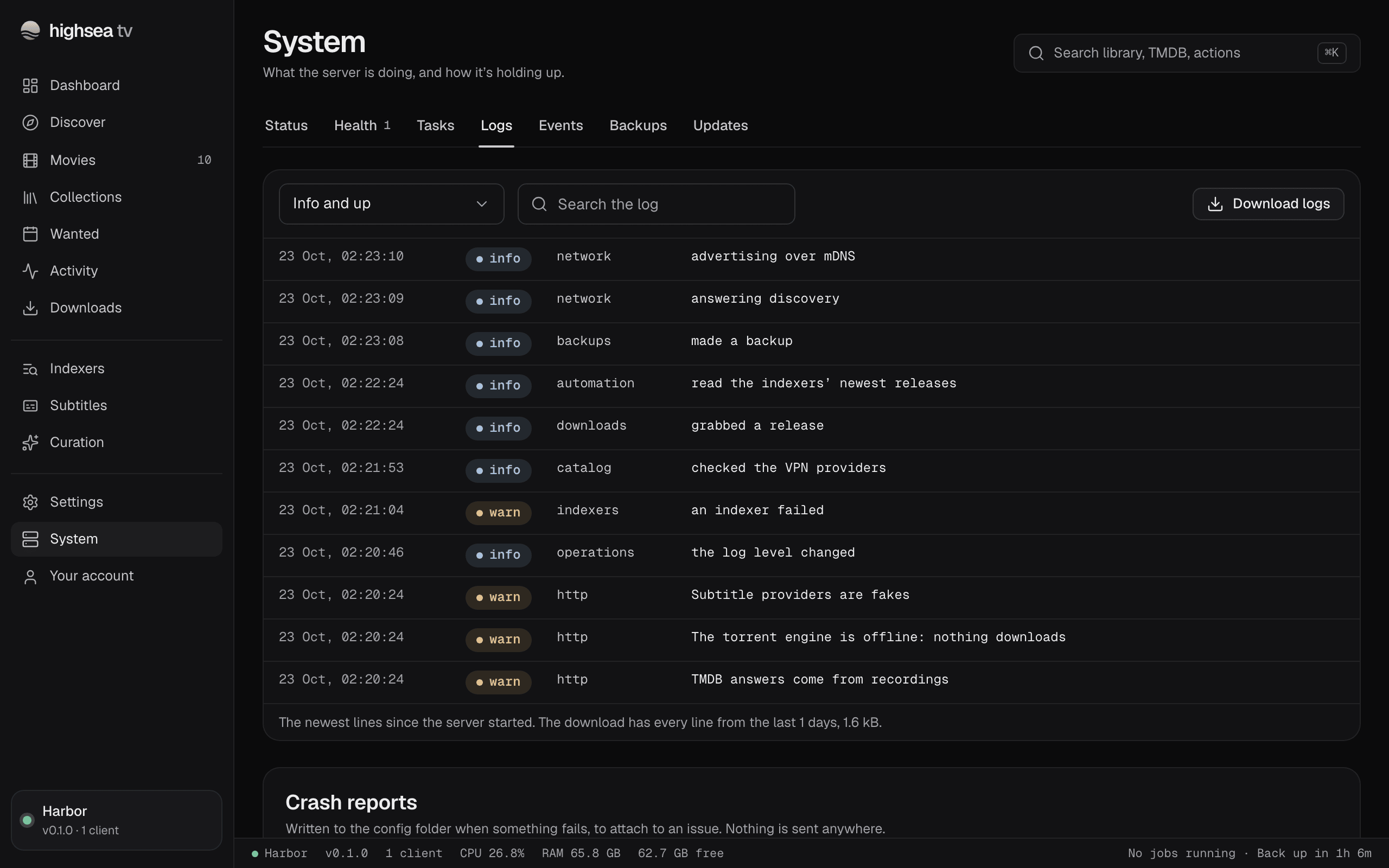
Logs shows the newest lines since the server started, each with its time, level, source and message.
- Show filters by level: Everything, Info and up, Warnings and errors or Errors.
- Search the log narrows the lines shown.
- Download logs saves every line from the last 14 days, the files highsea keeps in the config folder's
logsfolder, one a day.
How much the server writes down is the Log level, in General under Diagnostics. Leave it at Info (default) unless you're chasing a problem.
Crash reports
Below the log, Crash reports lists the reports highsea writes to the config folder when something fails, each with Download report, to attach to an issue. Nothing is sent anywhere. They're written only when Write crash reports is on, in Settings › General under Diagnostics.
Events
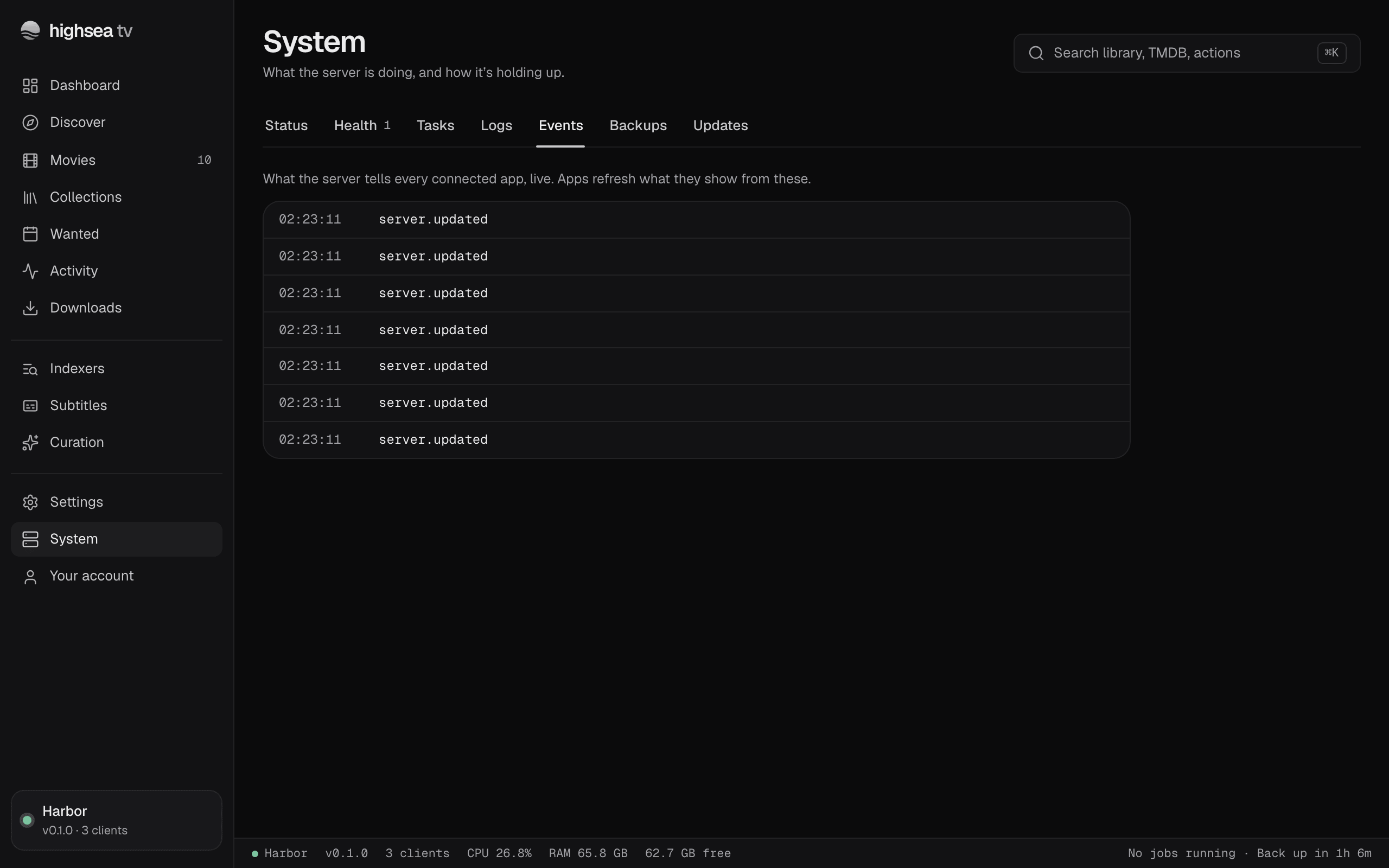
Events shows what the server tells every connected app, live, newest first: each event's topic and the items it's about, with the time. Apps refresh what they show from these. It's useful when an app or a page didn't update and you want to see whether the server said anything. Events only appear while the tab is open.