Diagnostics
How much the server logs, crash reports, and serving metrics for Prometheus to scrape.
Written for highsea 0.1.0.
What the server writes down when something goes wrong, and what it shows Prometheus. Only the Owner can change these.
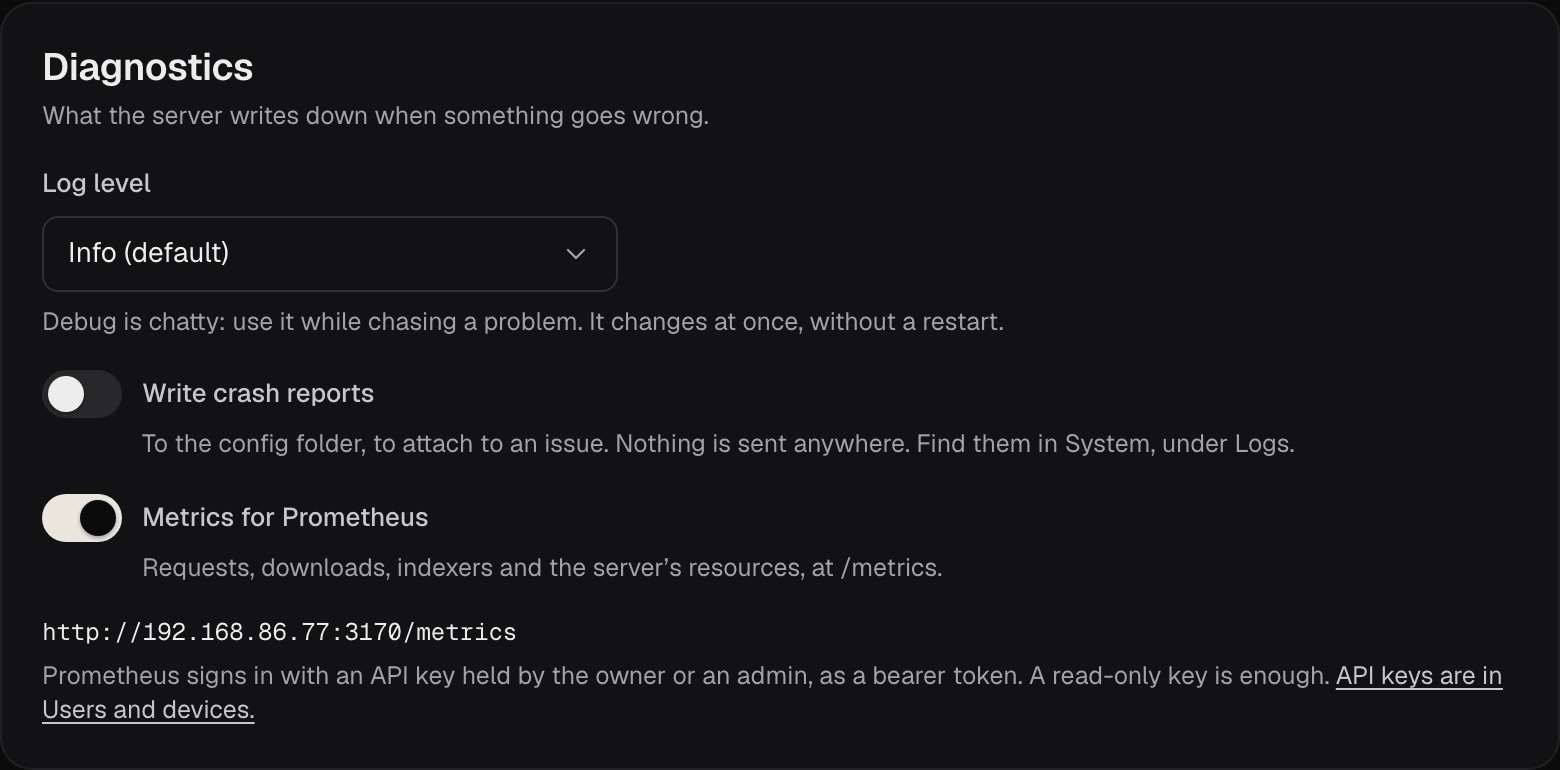
| Setting | What it does | Default |
|---|---|---|
| Log level | How much goes into the logs: Debug, Info, Warnings and errors or Errors. The change takes effect at once, without a restart. | Info, unless the HIGHSEA_LOG_LEVEL variable sets another |
| Write crash reports | Writes a report to the config folder when the server crashes, for you to attach to an issue. Nothing is sent anywhere. The reports are listed in System, under Logs. | Off |
| Metrics for Prometheus | Serves the server's requests, downloads, indexers and resources at /metrics. | Off |
Debug is chatty. Turn it on while you chase a problem, then set it back to Info. The log and crash reports themselves are in System › Logs.
Prometheus
With metrics on, the page shows the address to scrape: your public address, or the server's address on your network, followed by /metrics. Prometheus signs in with an API key held by the Owner or an Admin, sent as a bearer token. A read-only key is enough; make one in Settings › Users and devices. See Users and security.
scrape_configs:
  - job_name: highsea
    scheme: http
    static_configs:
      - targets: ['192.168.1.20:3000']
    authorization:
      type: Bearer
      credentials: your-api-key
Replace the address and the key with yours. System has the logs and the server's health.