Connections
Add a connection to a service, test it, manage it, and find out why a message didn't arrive.
Written for highsea 0.1.0.
Settings › Connections lists your connections, each with the events it hears and when it last sent something, then Add a connection with a button for each service, and This browser for browser notifications.
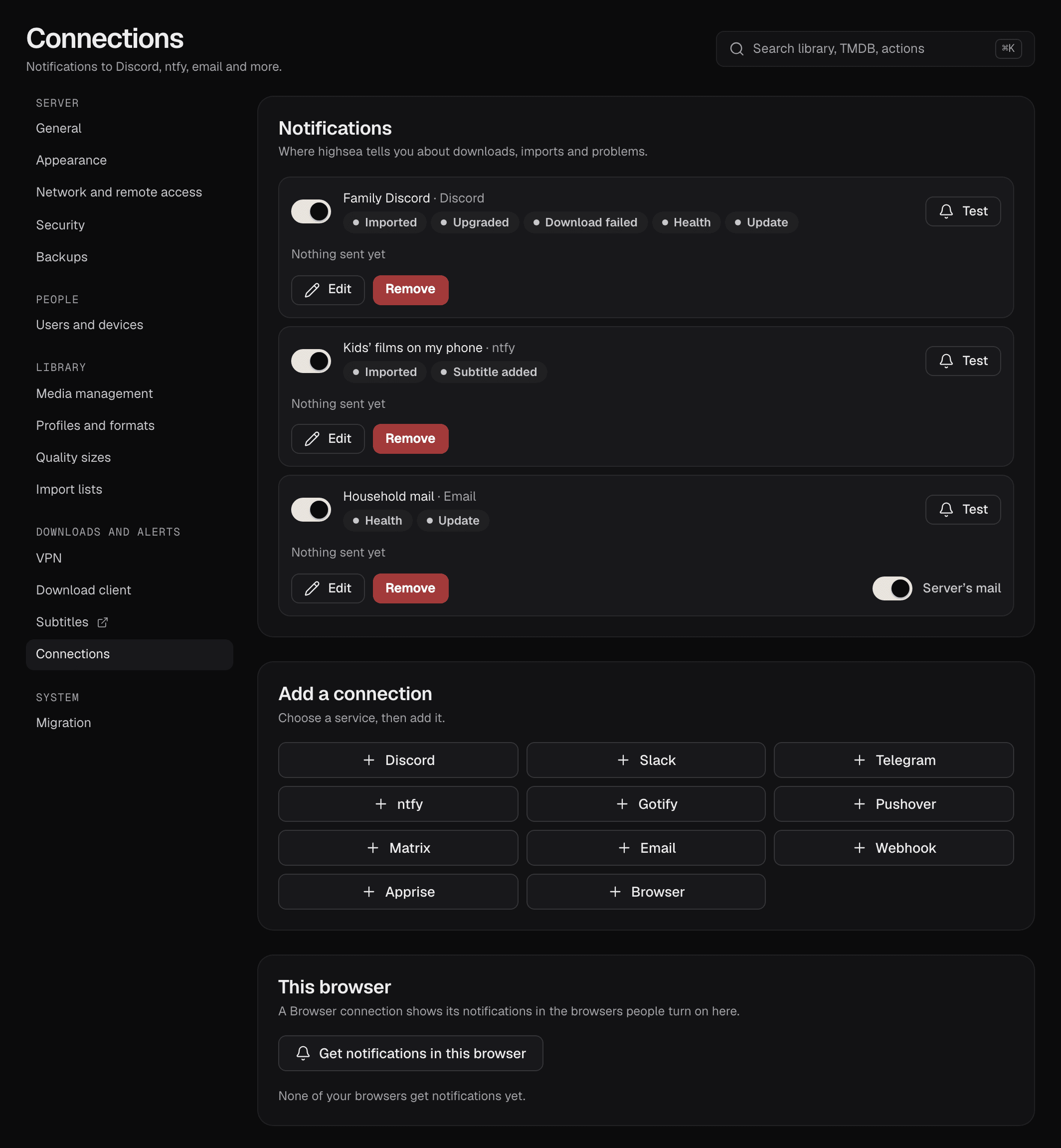
Adding a connection
- Under Add a connection, press the service: Discord, Slack, Telegram, ntfy, Gotify, Pushover, Matrix, Email, Webhook, Apprise or Browser.
- Give it a Name, and fill in the service's fields. Each service says where to find them.
- Choose its Events.
- Press Test. highsea sends a test message with these settings before you save, and says whether it arrived.
- Press Save.
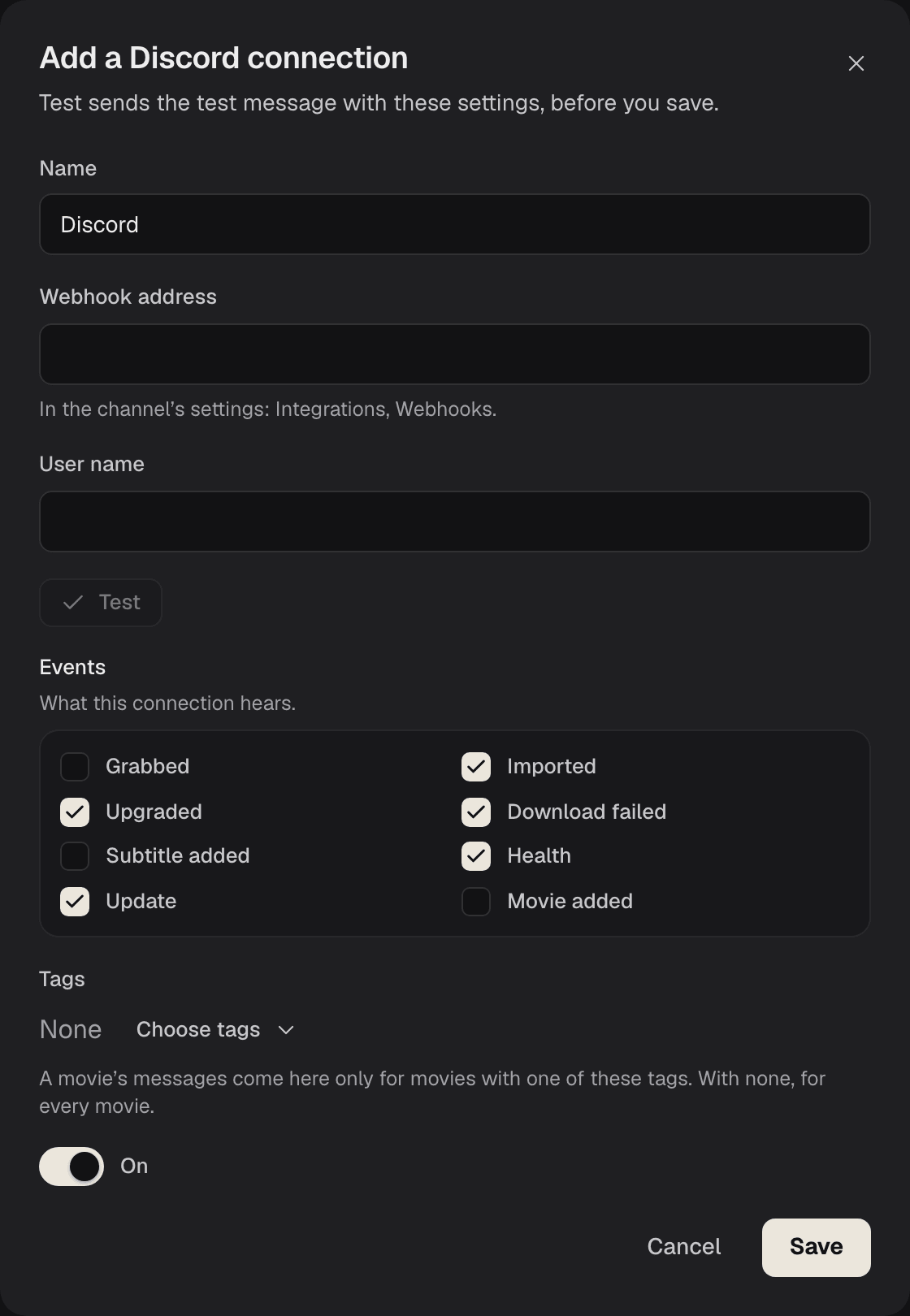
Passwords, tokens and webhook addresses are kept sealed on the server. When you edit a connection they show as dots; leave them as they are to keep them, or type a new one to change it.
Managing connections
Each connection's row has:
- a switch to turn it on or off without losing its settings;
- Test, which sends a test message now;
- Edit;
- Remove. It stops getting notifications, and what was sent to it is forgotten.
When a message doesn't arrive
Each connection's row shows when it last sent a message, or, if the last one didn't arrive, why.
highsea tries again when a service is busy or doesn't answer: after the wait the service asks for, if it says, or after 30 seconds, doubling each time, up to an hour between tries. Other refusals, such as a wrong token or a webhook that no longer exists, fail at once. A message still unsent a day after its event is dropped.
While messages to a connection aren't arriving, System › Health says so, until one gets through. Fix the setting it names, then use Test to check.