An interface on this machine
Bind torrents to a VPN you already run on the host, such as WireGuard or OpenVPN, and what highsea can promise in this mode.
Written for highsea 0.1.0.
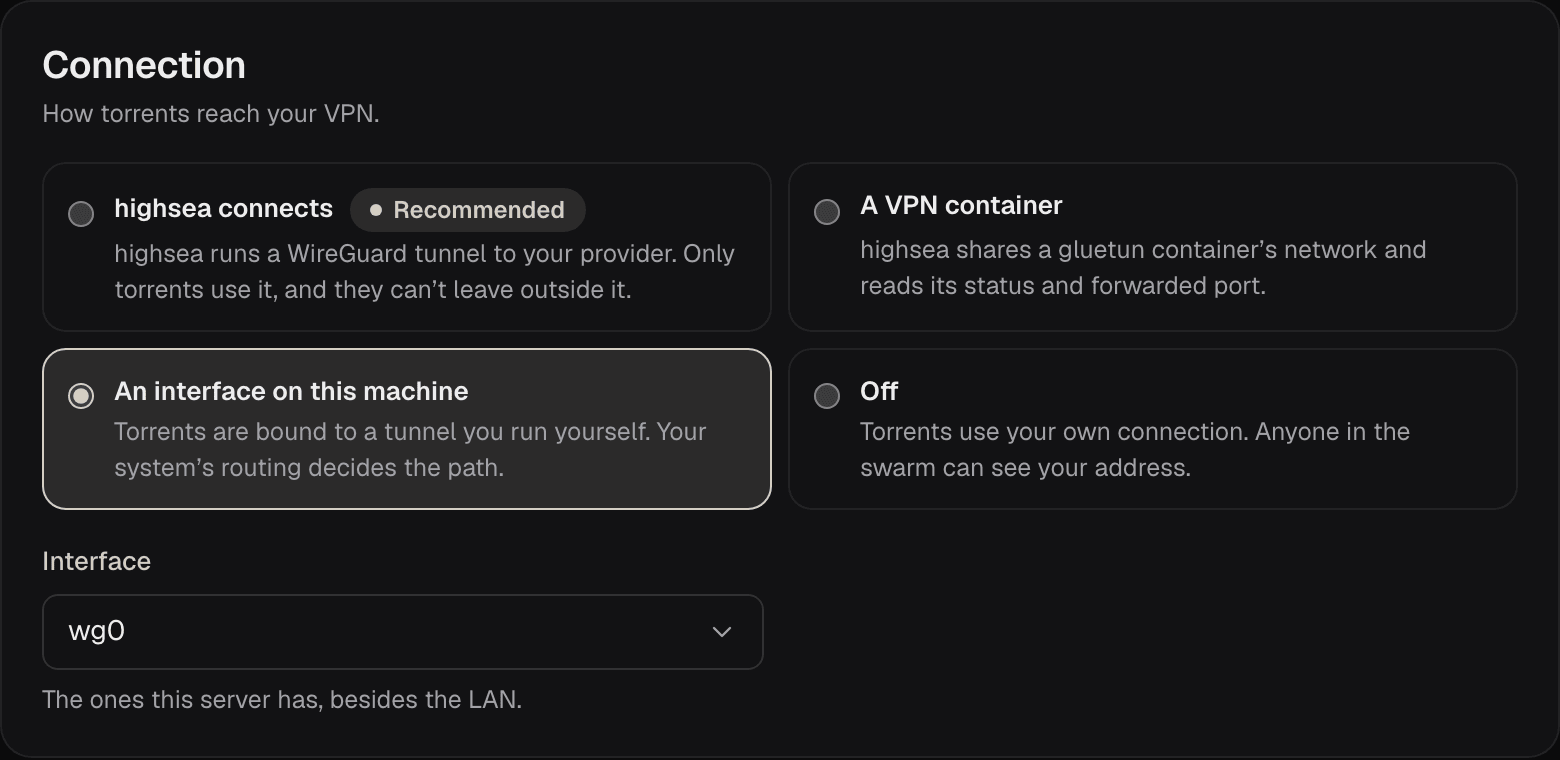
If you already run a VPN on the host, such as WireGuard or OpenVPN, choose An interface on this machine and pick its Interface. The list shows the interfaces highsea can see besides the LAN, with their addresses. In Docker, highsea sees the host's interfaces only with host networking.
What highsea promises
highsea binds every torrent to the interface's address. If the interface goes down or loses its address, torrents stop at once and start again when it's back. Your system's routing still decides the path, so highsea can promise less here than in the other two modes; the Kill switch check says so. See Status and checks.
Port forwarding
Port forwarding is up to you in this mode: forward the torrent port through your tunnel yourself, if your provider allows it. The Use the forwarded port setting isn't shown.