Port forwarding
Why a forwarded port helps, which VPN providers offer one, and how highsea gets it or where you type it in.
Written for highsea 0.1.0.
Without a forwarded port, downloads still work: highsea connects out to peers. With one, peers can connect in too, so more peers can reach you, which helps with less popular torrents and with seeding.
Torrents use the forwarded port while Use the forwarded port is on, which it is by default. It's under Behaviour.
By provider
- Proton VPN and Private Internet Access: highsea asks the provider for a port once connected, keeps it renewed, and moves torrents to it. If the provider doesn't forward one, highsea tries again every minute and the check warns.
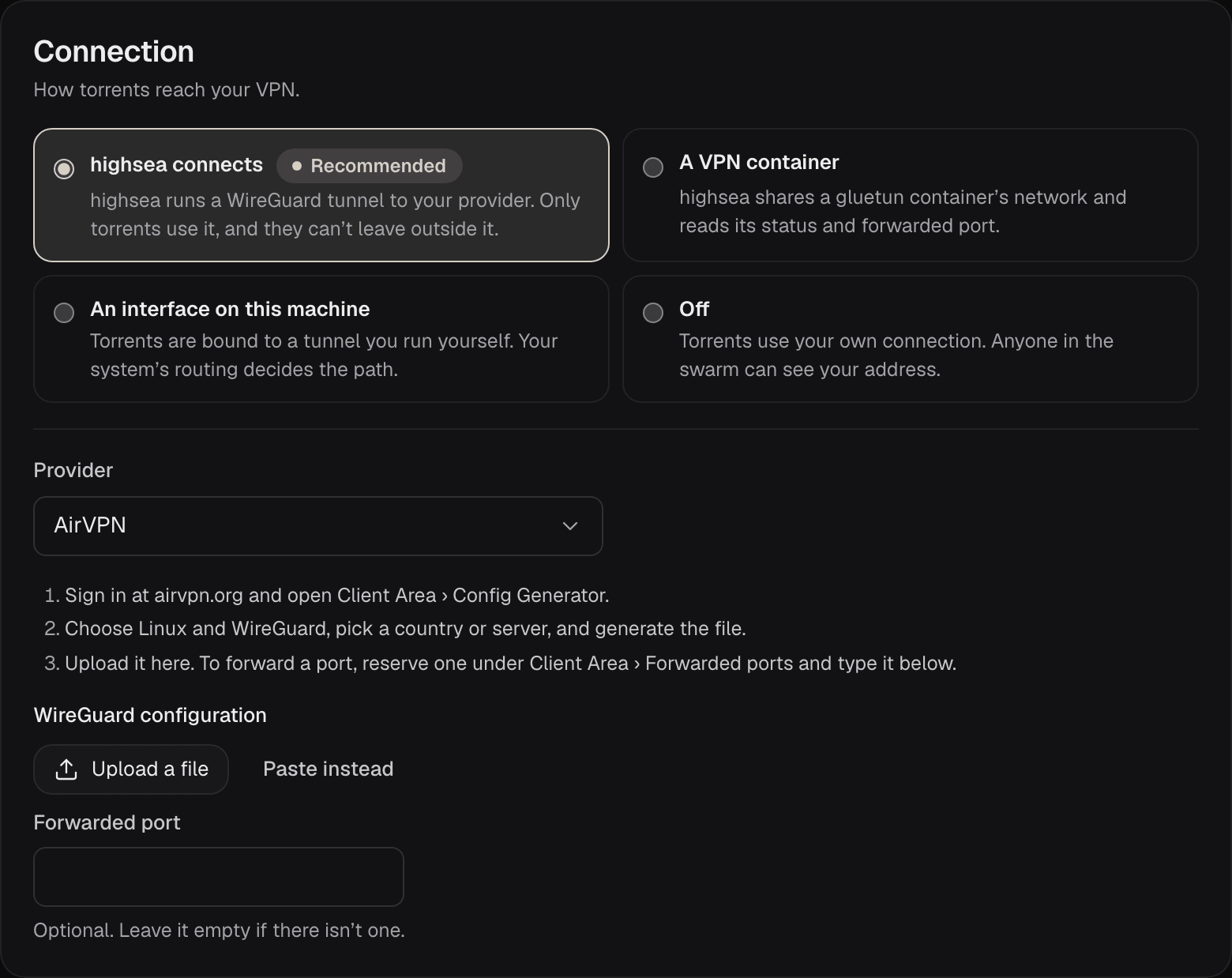
- AirVPN, Windscribe and Another WireGuard provider: reserve a port with your provider and type it into Forwarded port. Leave the field empty if there isn't one.
- Mullvad, IVPN and Surfshark don't forward ports.
- A VPN container: highsea uses the port gluetun reports. Turn it on in gluetun; see A VPN container.
- An interface on this machine: forward the port through your tunnel yourself, if your provider allows it.
For AirVPN, Windscribe and another provider, the field is under the configuration file:
Checking it
The Port forwarding check on the VPN page shows the forwarded port and how many peers have connected in, or why there isn't one. Your home router's port, and Open the port with UPnP in Download client, don't help while a VPN is in use.